
The expensive argument on a group trip isn't about who paid for lunch. It's the one that starts "I never agreed to a ₹15,000 hotel." Budgets go wrong before the trip, in the planning chat, when nobody wants to be the one who says they can't afford something. A short, explicit method avoids it.
1. Ask for a number, privately
One organiser asks each person, in a direct message, what total they're comfortable spending on the trip excluding personal shopping. Private, because in a group chat people name a bigger number than they're really comfortable with. Then take the lowest number as the budget ceiling. If the lowest is a long way below the others, that's a conversation to have before booking anything, not after.
2. Split the ceiling into buckets
A rough, typical split for a three-day trip:
| Bucket | Share of budget |
|---|---|
| Travel to and from | 30% |
| Accommodation | 30% |
| Food and drink | 25% |
| Activities and local transport | 15% |
With a ₹10,000 ceiling per person, accommodation is ₹3,000 per person for the trip, which decides the hotel tier before anyone falls in love with a listing.
3. Book the big things first, together
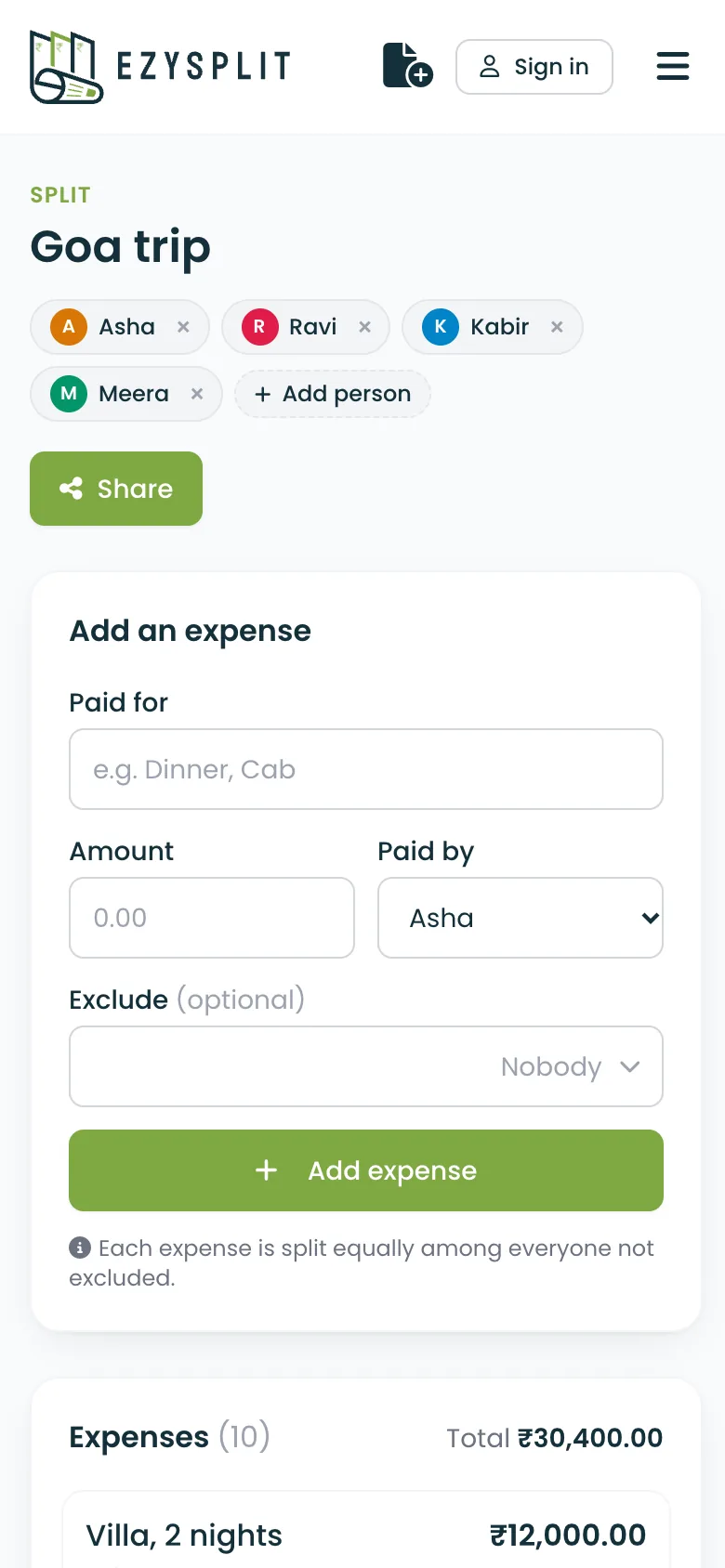
Travel and accommodation are the two buckets that are hard to change later. Post the options with per-person prices, pick one, and log them as the first two expenses in the split as soon as they're paid. Everyone can then see that 60% of the budget is committed and what's left for the rest.
4. Decide on a kitty, or not
A kitty (everyone contributes cash up front) is good for lots of tiny cash spends: autos, chai, entry tickets. It's bad for anything big, because it hides who paid what. Our suggestion: a small kitty, with everyone putting in the same amount, for cash costs everyone shares. It needs no logging, because it's already split equally. Log everything over about ₹500 individually, with whoever paid it.
5. Watch the running total
The split's expense list is the running total. If food is tracking well above its bucket by day two, the group can decide to eat cheaper on day three instead of finding out at the end. Nobody has to be the budget police; the number is just visible.
6. Settle once
At the end, "Who pays whom" shows the fewest transfers that square everyone. Settle within a day or two while it's fresh. See the settlement guide for how the number is worked out.
What to say in the planning chat
"Let's keep the total to ₹10k each excluding shopping. I'll DM everyone for their comfortable number first, then we book travel and stay. I've made an Ezysplit for the trip, link here, add anything you pay for."
That message, sent early, removes almost every money problem the trip could have had.
Frequently asked questions
How do you set a budget for a group trip?
Ask each person privately for the total they are comfortable spending, excluding personal shopping, and use the lowest number as the ceiling. In a group chat, people tend to name a bigger number than they are really comfortable with.
How should a group trip budget be divided?
A rough split for a three-day trip is 30% travel, 30% accommodation, 25% food and drink, and 15% activities and local transport. Book travel and accommodation first, because they are the hardest to change.
Should we use a kitty on a group trip?
A small cash kitty works for chai, autos and entry tickets that everyone shares. If everyone puts in the same amount, the kitty needs no logging. Log anything bigger individually, with whoever paid it.
How do I say a trip is over my budget?
Say it early and privately to the organiser, with the number you can manage. Most groups would rather adjust the plan before booking than find out on day two.
More guides
- How to split rent fairly with roommates
- Trip expense checklist: splitting travel costs without drama
- How to split a restaurant bill (even when someone didn't drink)
- Who pays whom: settling a group with the fewest transfers
- Splitting costs when there's a couple in the group
- How to ask a friend to pay you back (without making it weird)
- Splitting costs with friends who earn more (or less) than you
- Should you lend money to a friend? Five rules that protect the friendship